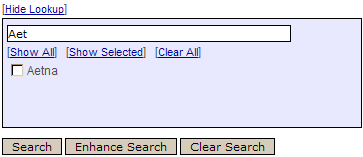
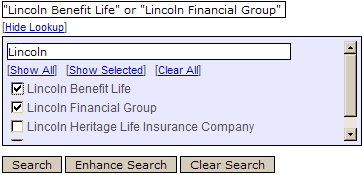
Click the box next to the carrier of interest. The search results will appear in alphabetical order. Select multiple companies by selecting multiple boxes. The company search engine will automatically place these companies into quotes and will utilize the 'OR' function to obtain multiple results as illustrated below:
At this point you can click Enhance Search or Search. If you have any questions, please call our Help Desk: 312.488.1810